You are standing at the threshold of a massive decision: investing in a high-powered gaming machine. However, the choice between the simplicity of a dedicated video game console and the flexibility of a high-end gaming computer is tough. You dream of seamless gameplay, stunning graphics, and access to the biggest titles. But which platform—Console e PC—delivers the most value and fun for your money?
This comprehensive guide will settle the debate by offering a detailed, objective comparison. You will learn the true differences in cost, hardware capability, game libraries, and user experience. Ultimately, you will be able to choose the platform that perfectly aligns with your budget and play style.
Round 1: Cost and Accessibility – Console e PC
For most consumers, the upfront investment and long-term running costs are the most significant factors. Console e PC offer vastly different financial paths to gaming enjoyment.
Console: The Lower Entry Barrier
The initial cost of a modern console (such as a PlayStation or Xbox) is relatively low. This makes it an incredibly accessible entry point for new gamers.
- Upfront Price: Consoles are sold at a competitive price point. This is often significantly less than building a custom gaming PC.
- Ease of Use: There is no need for technical knowledge. You simply plug in the machine and start playing immediately.
- Hidden Costs: Remember to factor in the price of online subscription services (like PS Plus or Xbox Live Gold). These are required for most multiplayer games. Furthermore, controllers and other peripherals add up.
PC: The Investment in Flexibility
A gaming PC typically requires a much larger initial investment. However, its long-term value proposition is immense, mainly due to the platform’s versatility.
- Scalability: You can upgrade individual components over time. This extends the lifespan of the machine far beyond that of a fixed-hardware console generation.
- Game Pricing: PC games are often cheaper. They frequently benefit from large digital sales on platforms like Steam and Epic Games.
- Dual Functionality: A PC is not just for gaming. Consequently, it serves as a powerful machine for work, streaming, and content creation.
Round 2: Performance and Graphics Fidelit
The graphical capability is where the differences between Console e PC become most apparent. Both platforms offer excellent visuals, but the PC maintains a clear edge in raw power.
Console Performance: Optimized Excellence
Consoles deliver a highly optimized experience. Developers fine-tune their games to run smoothly on the fixed hardware specifications of the machine.
- Fixed Targets: You are guaranteed consistent frame rates (e.g., 30 FPS or 60 FPS) and resolutions. There is no need for manual settings adjustments.
- HDR and Ray Tracing: Modern consoles fully support advanced features like HDR and basic ray tracing. This delivers stunning visual quality straight out of the box.
PC Performance: The Quest for Frames
A high-end gaming PC can achieve performance metrics that consoles simply cannot match. This is the platform for the discerning gamer.
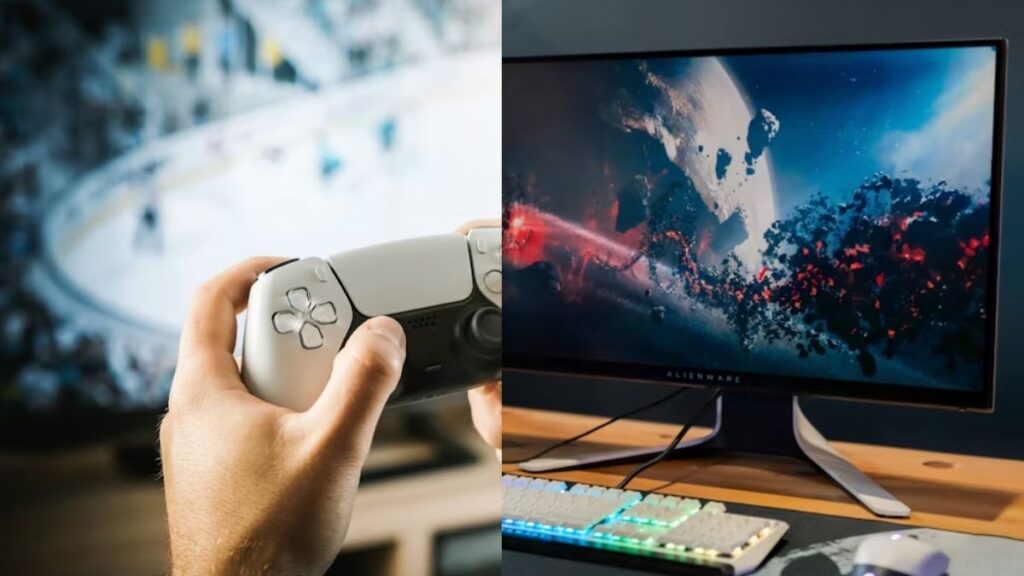
- Superior Frame Rates: A PC can push frame rates well above 100 FPS, especially when paired with a high-refresh-rate monitor. This results in significantly smoother gameplay.
- Higher Fidelity: PC graphics settings can be maxed out. This provides the highest texture quality, longest draw distances, and most advanced lighting effects.
- Resolution Dominance: If you want true 4K resolution (and even 8K), the PC is the platform with the necessary power.
Round 3: Game Library and Exclusivity
The ecosystem of games available is arguably the most crucial factor. The selection, input methods, and community all vary dramatically between Console e PC.
Console: Home of the Blockbuster Exclusive
Consoles often secure exclusive rights to some of the biggest, most polished AAA titles. These games frequently define the console’s identity.
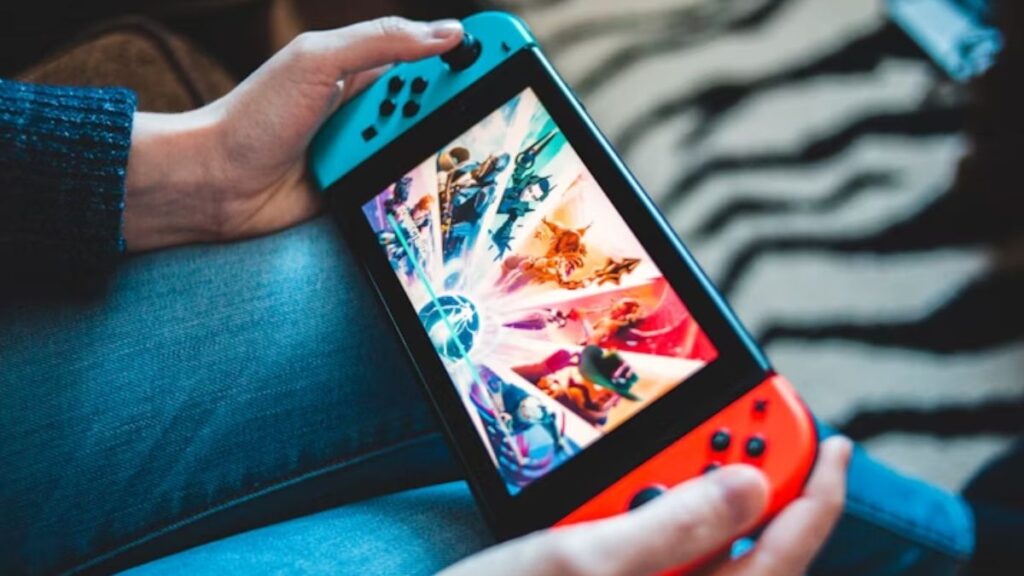
- Platform-Defining Titles: Think of The Legend of Zelda on Nintendo, God of War on PlayStation, or the Halo series (though now largely on PC as well). These titles are a huge draw.
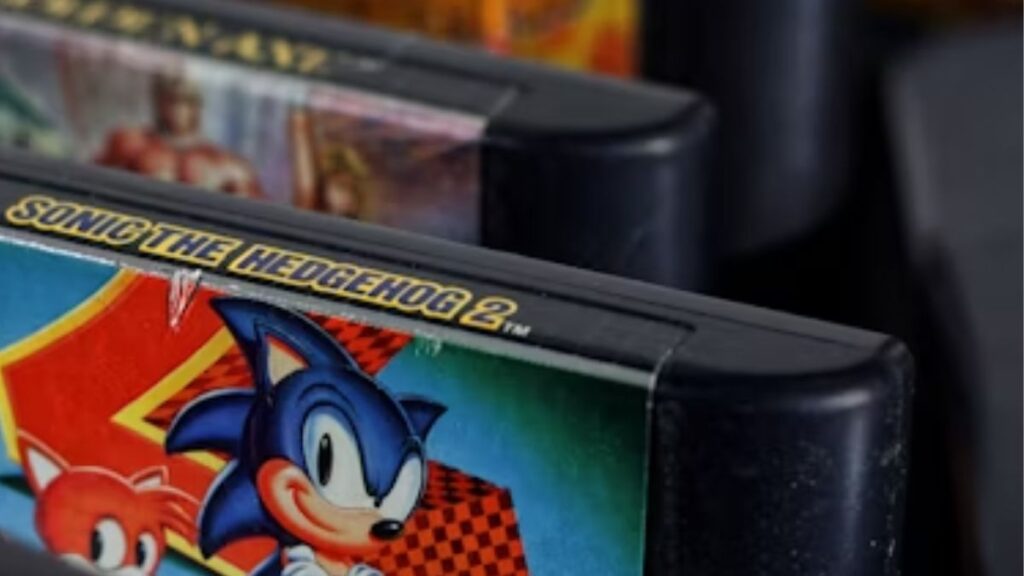
- Physical Media: Consoles still widely support physical discs. This allows for game resale and collection.
PC: The Widest Ecosystem and Flexibility
The PC library is unmatched in sheer volume and diversity. It is the definitive home for specific genres and independent developers.
- Genre Variety: PC is the historical home of Real-Time Strategy (RTS), Massively Multiplayer Online (MMO), and most Deep Simulation games.
- Indie Development: The vast majority of indie titles and experimental games launch first, or exclusively, on PC platforms like Steam.
- Modding: Furthermore, the PC platform supports user-created modifications (mods). This extends the life and customization of countless games.
Essential Apps for the Gaming Ecosystem
Regardless of your choice between Console e PC, companion apps and services are vital for an optimized gaming experience. Since this is the Guia de Apps, these tools deserve special mention:
- Digital Storefront Apps (Steam, Epic Games, GOG): These are essential for PC. They allow you to purchase, organize, and update your digital library.
- Console Companion Apps (Xbox App, PlayStation App): These apps connect your console to your mobile device. You can manage downloads, check in-game achievements, and communicate with friends remotely.
- Discord: This is the universal voice and text chat app for gamers. It is essential for organizing multiplayer sessions and joining community groups, enhancing the social aspect of both platforms.
Your Next Move: Defining the Winner for You
The debate between Console e PC does not have one definitive winner. The best platform is the one that best suits your personal needs and budget.
- Choose Console If: You prioritize simplicity, exclusive titles, and a lower entry price.
- Choose PC If: You value the absolute best performance, long-term scalability, genre diversity (especially strategy), and multi-purpose use.
Ready to start gaming? Download the companion app for your chosen platform (or Steam if you pick PC) and begin exploring your new library today!